
Thermostat
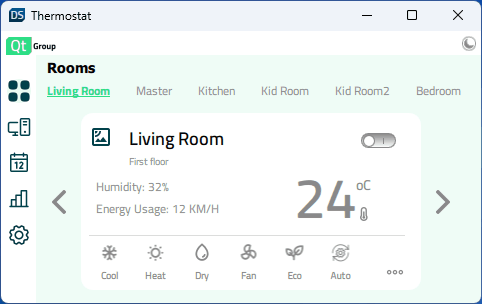
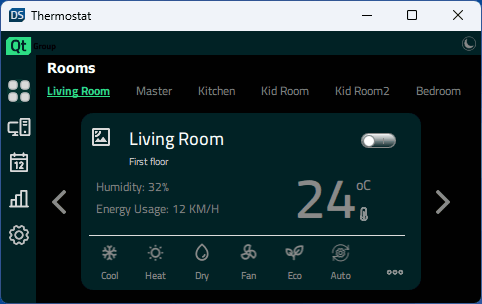
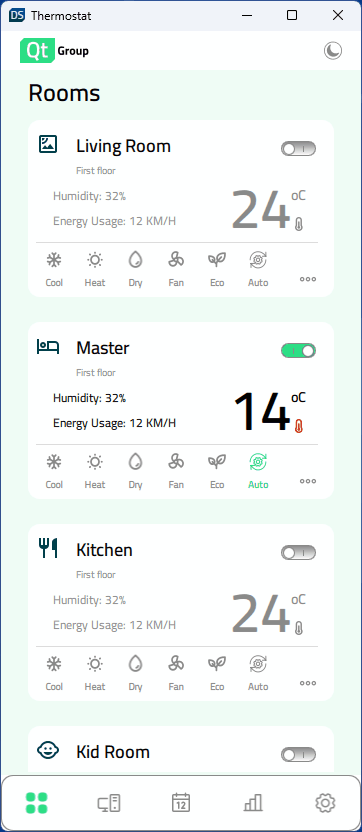
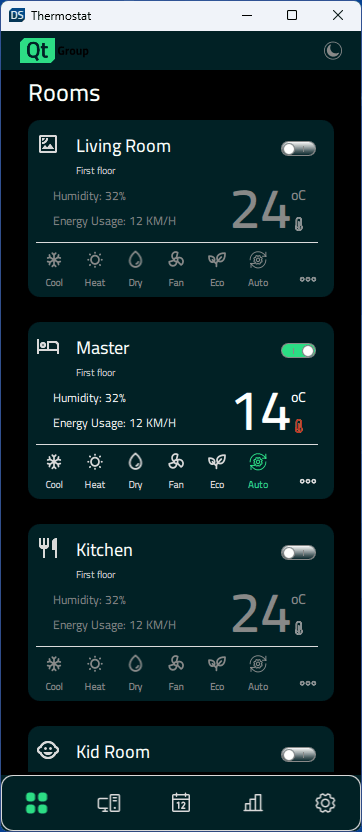
Une interface utilisateur pour un thermostat domestique, implémentée dans Qt Quick. Elle démontre comment créer des applications réactives qui s'adaptent aux grands écrans de bureau, aux écrans mobiles et aux petits écrans embarqués.
| Thème clair | Thème sombre |
|---|---|
 |  |
 |  |
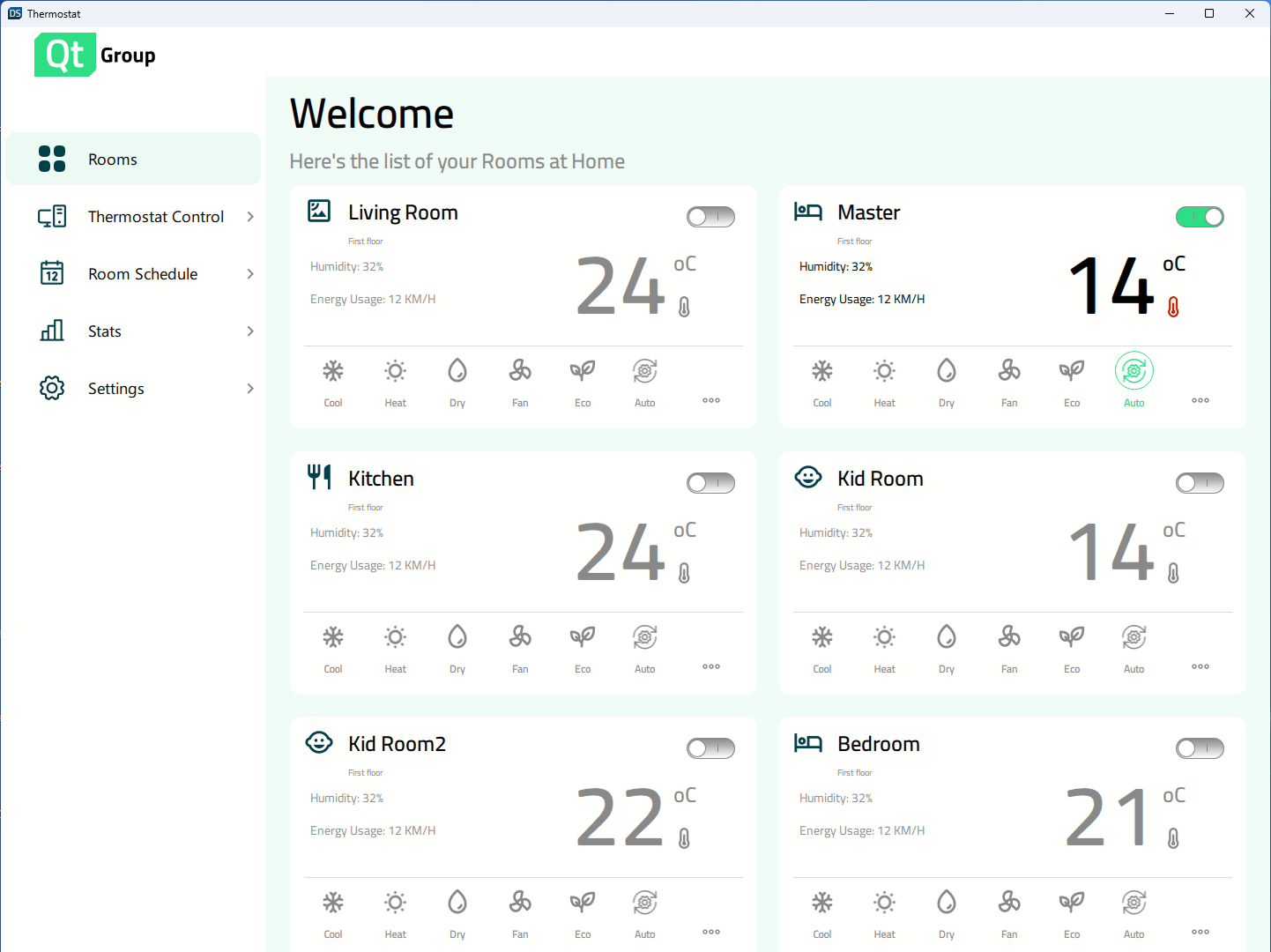 | 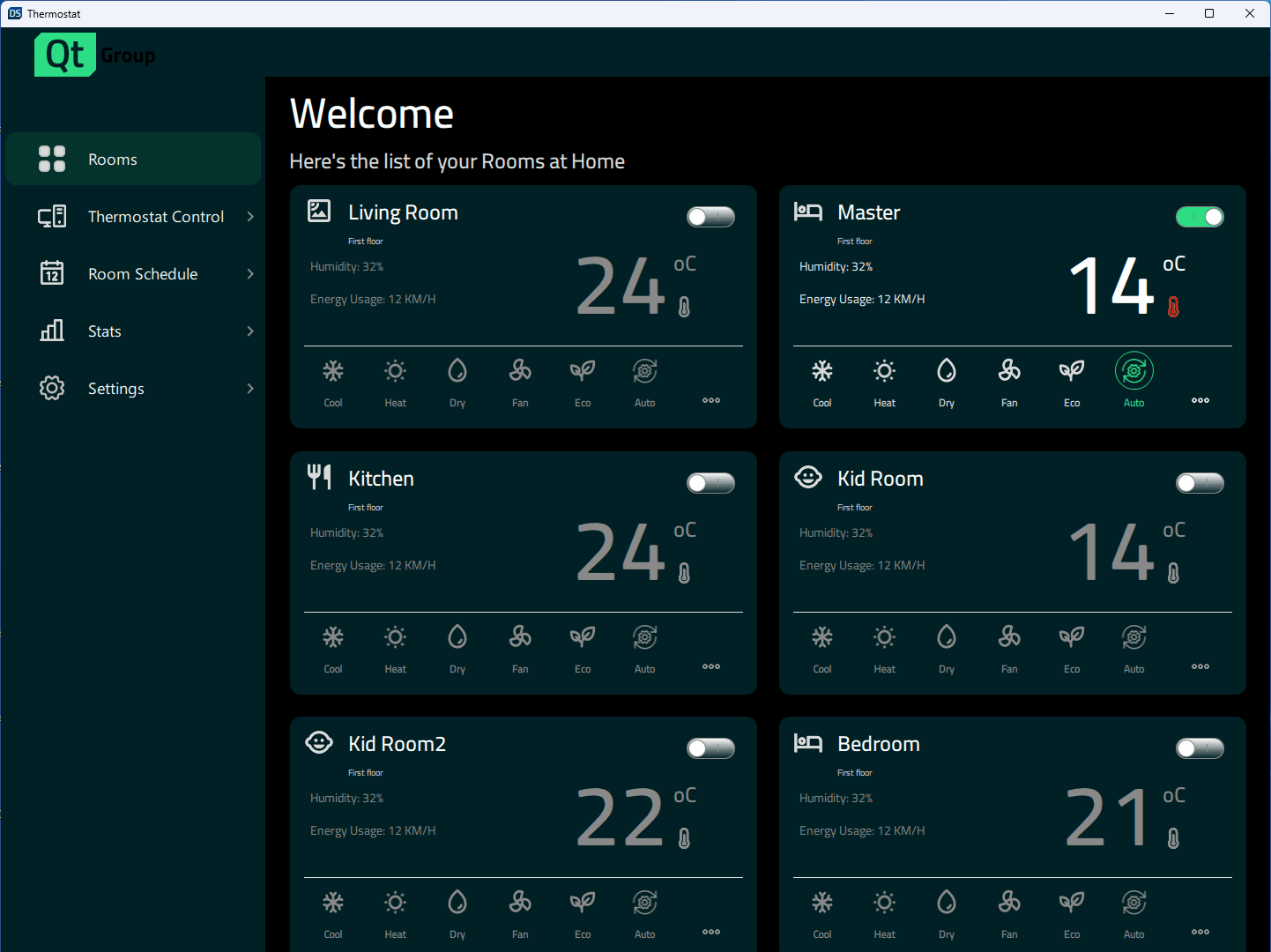 |
Thermostat présente un exemple d'application de thermostat entièrement réactive. L'exemple peut être exécuté et modifié à la fois en Qt Design Studio et Qt Creator. Il montre comment mettre en œuvre différentes conceptions en fonction de la taille de la fenêtre.
Conception réactive
Elle peut s'adapter dynamiquement lorsque l'utilisateur modifie la taille de la fenêtre, ou l'application sélectionnera les tailles correctes en fonction de l'affichage disponible sur les cibles mobiles. Des propriétés spécifiant la taille de l'affichage et contrôlant la disposition actuellement utilisée ont été créées dans Constants.qml pour obtenir ce comportement.
    property bool isBigDesktopLayout: true
    property bool isSmallDesktopLayout: false
    property bool isMobileLayout: false
    property bool isSmallLayout: false
Dans App.qml, les propriétés ont été liées à la hauteur et à la largeur de la fenêtre au démarrage de l'application.
    Component.onCompleted: {
        Constants.isBigDesktopLayout = Qt.binding( function(){
            return window.width >= Constants.width && window.width >= window.height
        })
        Constants.isSmallDesktopLayout = Qt.binding( function(){
            return window.width >= 647 && window.width < Constants.width && window.width >= window.height
        })
        Constants.isMobileLayout = Qt.binding( function(){
            return window.width < window.height
        })
        Constants.isSmallLayout = Qt.binding( function(){
            return window.width < 647 && window.width >= window.height
        })
    }
Les états sont ensuite utilisés pour contrôler les propriétés du composant telles que la largeur, la hauteur, la taille de la police, la position, la disposition (colonne ou ligne), etc.
    states: [
        State {
            name: "desktopLayout"
            when: Constants.isBigDesktopLayout || Constants.isSmallDesktopLayout
            PropertyChanges {
                target: statistics
                leftPadding: 53
                rightPadding: 53
                topPadding: 23
                bottomPadding: 43
            }
            PropertyChanges {
                target: scrollView
                isBackgroundVisible: false
                delegateWidth: 350
                delegateHeight: 182
                statisticsChartWidth: 1098
                statisticsChartHeight: 647
            }
        },
        State {
            name: "mobileLayout"
            when: Constants.isMobileLayout
            PropertyChanges {
                target: statistics
                leftPadding: 0
                rightPadding: 0
                topPadding: 0
                bottomPadding: 43
            }
            PropertyChanges {
                target: scrollView
                isBackgroundVisible: false
                delegateWidth: 327
                delegateHeight: 100
                statisticsChartWidth: 327
                statisticsChartHeight: 383
            }
        },
        State {
            name: "smallLayout"
            when: Constants.isSmallLayout
            PropertyChanges {
                target: statistics
                leftPadding: 0
                rightPadding: 0
                topPadding: 0
                bottomPadding: 43
            }
            PropertyChanges {
                target: scrollView
                isBackgroundVisible: true
                delegateWidth: 332
                delegateHeight: 80
                statisticsChartWidth: 401
                statisticsChartHeight: 280
            }
        }
    ]
© 2025 The Qt Company Ltd. Documentation contributions included herein are the copyrights of their respective owners. The documentation provided herein is licensed under the terms of the GNU Free Documentation License version 1.3 as published by the Free Software Foundation. Qt and respective logos are trademarks of The Qt Company Ltd. in Finland and/or other countries worldwide. All other trademarks are property of their respective owners.
