
Qt Quick 3D - XR 自由瞬移示例
演示如何在Qt Quick 3D XR 中进行简单的移动。
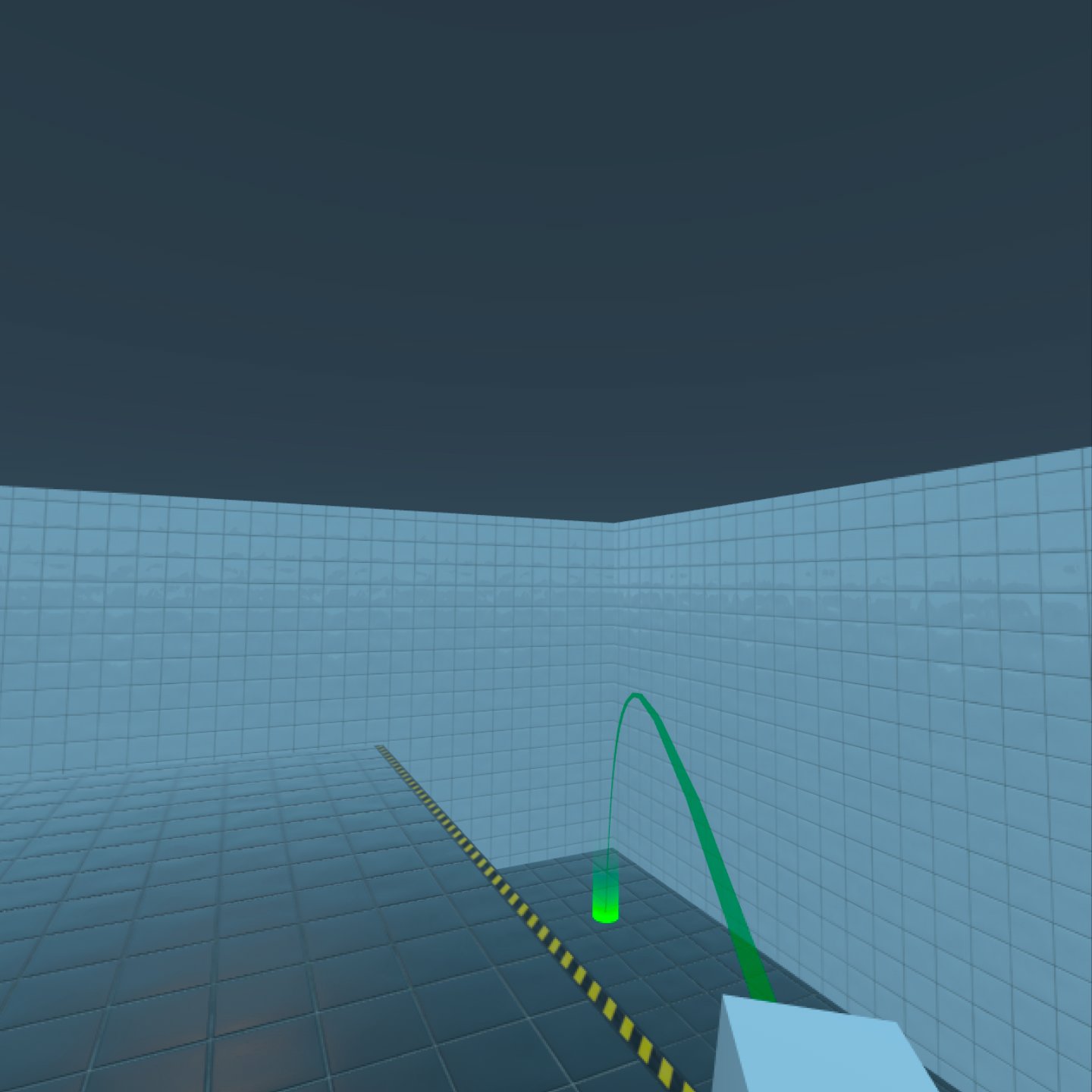
概述
本示例演示了如何使用简单的自由形式传送系统(一种非连续移动形式)移动到虚拟环境中的各个位置。
控制
运行示例时,请使用以下控件进行导航。
| 操作 | 控制 |
|---|---|
| 旋转 | 右控制器上的左右摇杆 |
| 瞄准和瞬移 | 右控制器上的前进摇杆 |
执行
您可以轻松地在其他项目中重复使用FreeformTeleporter ,因为所有逻辑都包含在该类型中。
FreeformTeleporter {
    id: teleporter

    rayPicker: xrView
    cameraOrigin: xrOrigin
    camera: xrOrigin.camera
    beamHandle: xrRightController
    onDoTeleportation: (cameraOriginPosition)=> {
                           xrOrigin.position = cameraOriginPosition
                       }
    onDoRotation: (cameraOriginRotation, cameraOriginPosition)=> {
                      xrOrigin.rotation = cameraOriginRotation
                      xrOrigin.position = cameraOriginPosition
                  }
}
FreeformTeleporter 组件需要设置以下属性:
var rayPicker
rayPicker 属性可以是任何实现 rayPick 方法的对象。在本例中,我们使用的是XrView 的内置射线选取方法。
Node cameraOrigin
cameraOrigin 属性是摄像机本地参考空间的中心。在 Xr 中,这将是被跟踪项目(如摄像机)的相对位置。因此,我们将使用XrOrigin 节点作为摄像机的原点。
Node camera
camera 属性包含用于渲染场景的摄像机。在本示例中,我们使用之前创建的跟踪XrCamera 。
Node beamHandle
beamHandle 属性是用作传送光束起点的节点。在本例中,我们使用右控制器xrRightController 作为 beamHandle。
另请参阅 Qt Quick 3D Xr 中的运动。
© 2026 The Qt Company Ltd. Documentation contributions included herein are the copyrights of their respective owners. The documentation provided herein is licensed under the terms of the GNU Free Documentation License version 1.3 as published by the Free Software Foundation. Qt and respective logos are trademarks of The Qt Company Ltd. in Finland and/or other countries worldwide. All other trademarks are property of their respective owners.
