
Ejemplo de series con aceleración OpenGL
El ejemplo muestra cómo habilitar la aceleración OpenGL para QLineSeries y QScatterSeries.
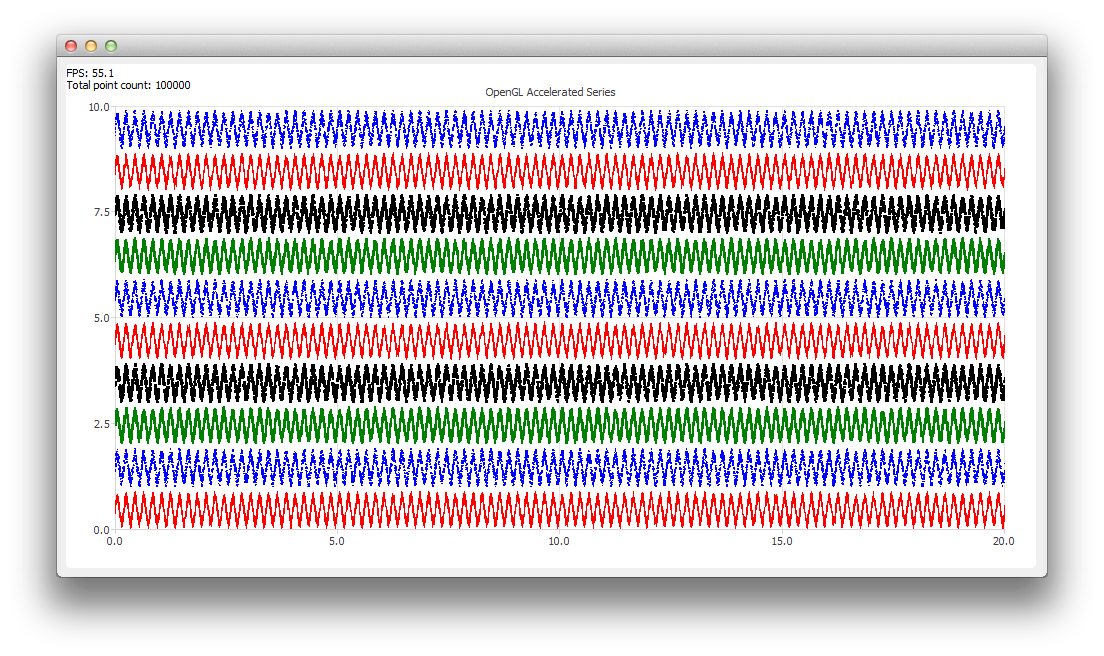
Ejecución del ejemplo
Puedes ejecutar el ejemplo desde:
- Qt Creator
Abre el modo « Welcome » y selecciona el ejemplo en « Examples ». Para obtener más información, consulta Qt Creator: Tutorial: Compilar y ejecutar.
- Qt Extension for Visual Studio Code
Ejecute el comando « Qt: Open Qt examples » desde Command Palette y seleccione el ejemplo de la lista. Para obtener más información, consulte Qt Extension for Visual Studio Code: Tutorial: Compilar y ejecutar.
Activación de la aceleración OpenGL
Para crear una serie acelerada con OpenGL, lo único que hay que hacer, en comparación con una serie normal, es establecer la propiedad « QAbstractSeries::useOpenGL » en « true »:
series->setUseOpenGL(true);Esto hace que el gráfico instancie un QOpenGLWidget transparente que se utiliza para dibujar la serie acelerada sobre el gráfico.
Nota: La aceleración OpenGL solo es compatible con QLineSeries y QScatterSeries.
© 2026 The Qt Company Ltd. Documentation contributions included herein are the copyrights of their respective owners. The documentation provided herein is licensed under the terms of the GNU Free Documentation License version 1.3 as published by the Free Software Foundation. Qt and respective logos are trademarks of The Qt Company Ltd. in Finland and/or other countries worldwide. All other trademarks are property of their respective owners.
