
Tutoriel sur les widgets - Widgets enfants
Nous pouvons ajouter un widget enfant à la fenêtre créée dans l'exemple précédent en passant window comme parent à son constructeur. Dans ce cas, nous ajoutons un bouton à la fenêtre et le plaçons à un emplacement spécifique :
|
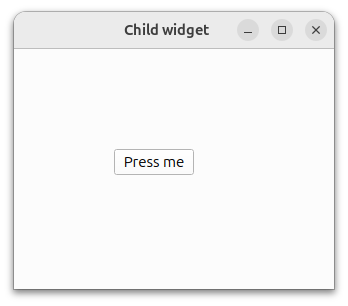 |
Le bouton est désormais un enfant de la fenêtre et sera supprimé lorsque celle-ci sera détruite. Notez que le fait de masquer ou de fermer la fenêtre ne la détruit pas automatiquement. Elle sera détruite à la fermeture de l'exemple.
© 2026 The Qt Company Ltd. Documentation contributions included herein are the copyrights of their respective owners. The documentation provided herein is licensed under the terms of the GNU Free Documentation License version 1.3 as published by the Free Software Foundation. Qt and respective logos are trademarks of The Qt Company Ltd. in Finland and/or other countries worldwide. All other trademarks are property of their respective owners.
