
样式工具示例
演示如何使用StyleKit 对Qt Quick 控件进行样式设置。
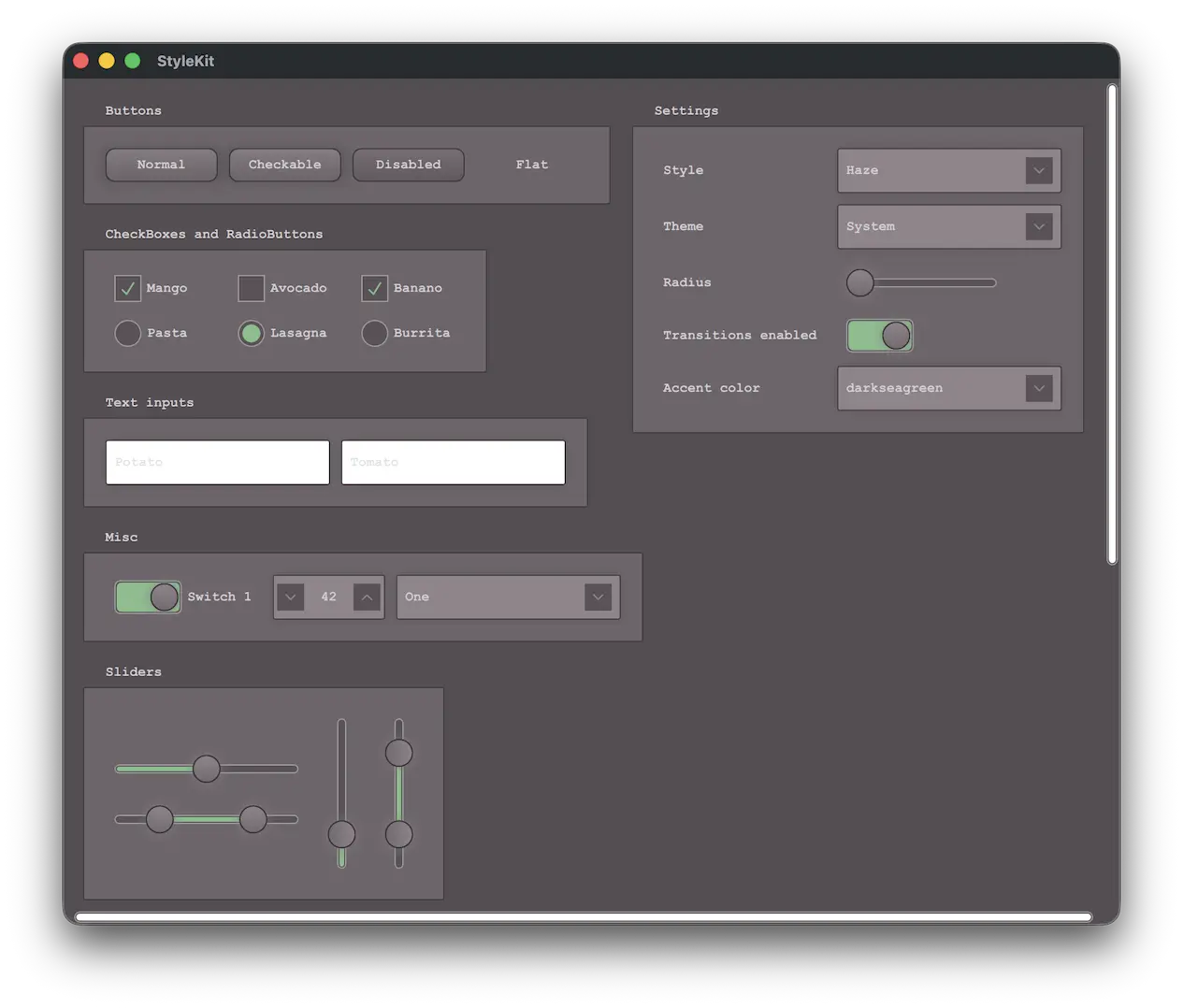
本示例展示了如何使用StyleKit 为应用程序设计样式。它包括几种样式,分别展示了样式设计的不同方面:
- Plain- 仅包含基本内容的简约样式
- Haze- 具有多种主题的高级样式
- Vitrum- 一种针对虚拟现实环境的样式
- CustomDelegates- 演示如何创建覆盖、底层和着色器效果的样式
除其他事项外,该示例还演示了如何
- 实现并在不同风格之间切换。
- 实现对浅色和深色主题以及高对比度等其他主题的支持。
- 使用StyleVariation 为应用程序的某些部分提供替代样式。
- 实现自定义委托,以添加叠加和底层效果。
- 为控件应用基于着色器的视觉效果。
- 使用CustomControl 和StyleReader 构建自定义控件。
- 在运行时与样式交互,例如更改主题或调整背景半径等样式属性。
运行示例
运行示例 Qt Creator,打开Welcome 模式,并从Examples 中选择示例。更多信息,请参阅Qt Creator: 教程:构建并运行。
另请参阅 Qt XML Labs StyleKit、Style 和Theme 。
© 2026 The Qt Company Ltd. Documentation contributions included herein are the copyrights of their respective owners. The documentation provided herein is licensed under the terms of the GNU Free Documentation License version 1.3 as published by the Free Software Foundation. Qt and respective logos are trademarks of The Qt Company Ltd. in Finland and/or other countries worldwide. All other trademarks are property of their respective owners.
