
Client Echo WebSocket sécurisé
Une application client simple utilisant les WebSockets sécurisés (wss).
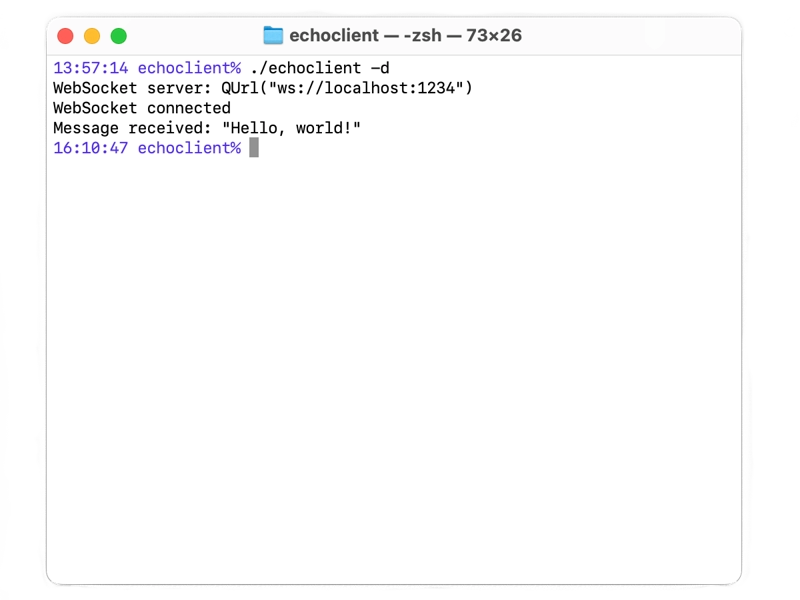
L'exemple « Client Echo WebSocket sécurisé » montre comment utiliser la classe WebSocket pour implémenter un client Echo via une connexion sécurisée (wss). Il se connecte à un serveur et envoie un message ; lorsqu'il reçoit une réponse, il l'affiche puis se ferme. La prise en charge de SSL est requise pour que cet exemple fonctionne.
Par défaut, cet exemple se connecte à localhost sur le port 1234 via une connexion sécurisée. Il fait confiance aux certificats signés par les autorités de certification (CA) configurées dans le backend SSL, ainsi qu’au certificat utilisé par le serveur d’écho WebSocket sécurisé.
Voir également Client WebSocket Echo et Serveur WebSocket Echo sécurisé.
© 2026 The Qt Company Ltd. Documentation contributions included herein are the copyrights of their respective owners. The documentation provided herein is licensed under the terms of the GNU Free Documentation License version 1.3 as published by the Free Software Foundation. Qt and respective logos are trademarks of The Qt Company Ltd. in Finland and/or other countries worldwide. All other trademarks are property of their respective owners.
