
セキュアソケットクライアント
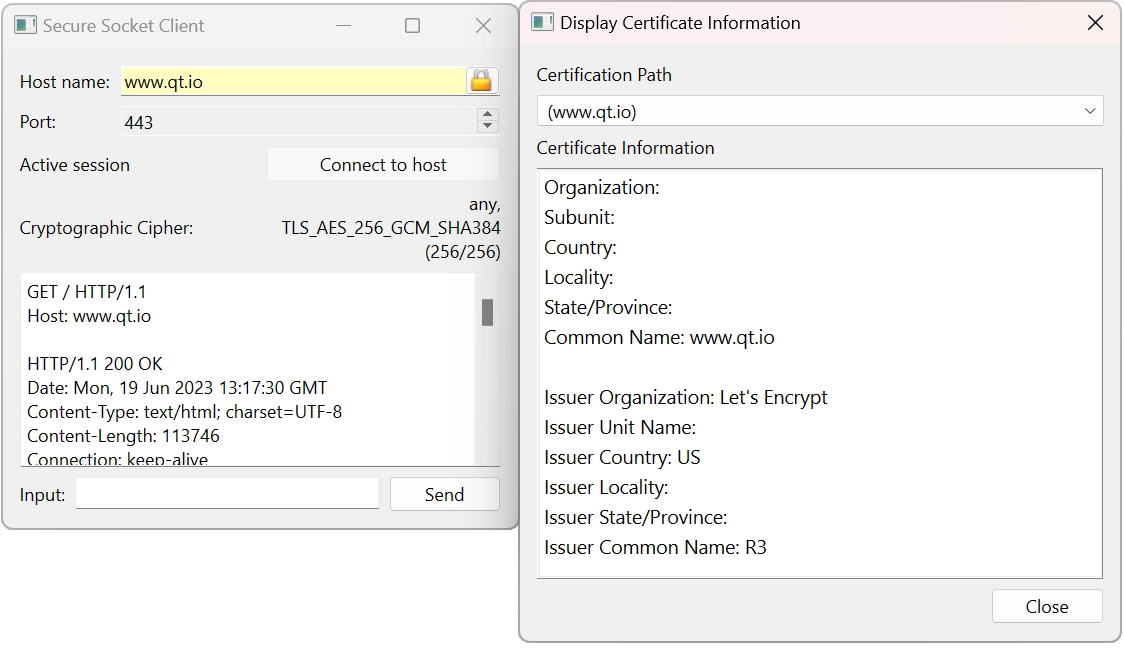
暗号化された(SSL)接続を介して通信する方法を実演します。
このサンプルでは、QSslSocket を使用して、暗号化された接続を介した通信方法、認証の問題への対処方法、およびセキュリティ情報や証明書情報の表示方法を示します。
© 2026 The Qt Company Ltd. Documentation contributions included herein are the copyrights of their respective owners. The documentation provided herein is licensed under the terms of the GNU Free Documentation License version 1.3 as published by the Free Software Foundation. Qt and respective logos are trademarks of The Qt Company Ltd. in Finland and/or other countries worldwide. All other trademarks are property of their respective owners.
