
Qt Quick 3D - 순서에 의존하지 않는 투명도 예시
Qt Quick 3D 에서 순서 독립적 투명성(OIT)을 시연합니다.
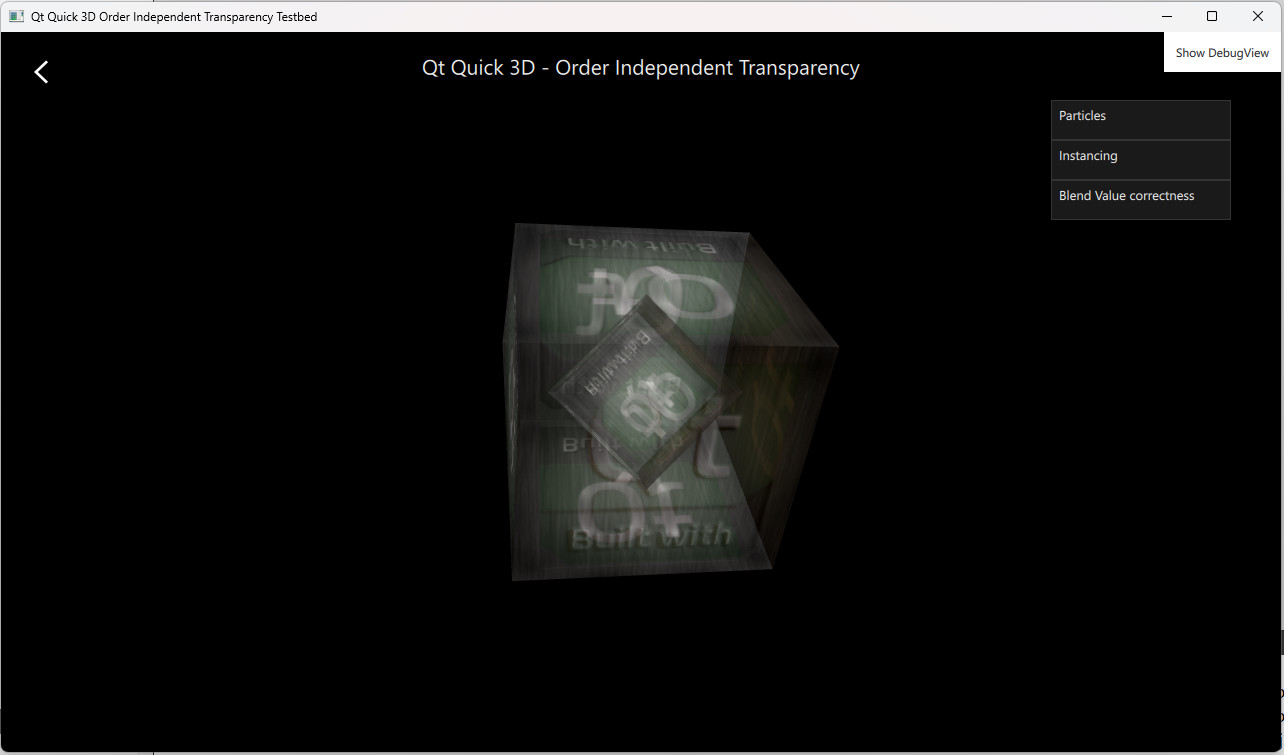
이 OIT 예제는 Qt Quick 3D 에서 순서 불변 투명성을 활성화하는 방법을 보여줍니다. 이 예제에는 해당 기능을 다양한 방식으로 활용한 여러 예시가 포함되어 있습니다.
예제
‘입자(Particles) ’ 예제는 투명한 입자에 OIT를 적용하는 방법을 보여줍니다. ‘인스턴싱(Instancing) ’ 예제는 인스턴싱을 사용하여 렌더링된 모델에 OIT를 적용하는 방법을 보여줍니다. ‘블렌드 값 정확도(Blend Value Correctness )’ 예제는 투명한 오브젝트와 관련된 정렬 문제를 시연하며, OIT를 활성화하여 이 문제를 해결하는 방법을 보여줍니다.
OIT 제어
OIT는 SceneEnvironment 오브젝트를 통해 제어됩니다. 값은 사용자 인터페이스에서 선택한 설정에 따라 지정됩니다.
oit method 는 기본적으로 OITNone 로 설정되어 있어 이 기능을 비활성화하며, OITWeightedBlended 로 설정하면 OIT를 활성화할 수 있습니다.
        environment: SceneEnvironment {
            clearColor: "#000000"
            backgroundMode: SceneEnvironment.Color
            antialiasingMode: AppSettings.antialiasingMode
            antialiasingQuality: AppSettings.antialiasingQuality
            oitMethod: SceneEnvironment.OITWeightedBlended
}© 2026 The Qt Company Ltd. Documentation contributions included herein are the copyrights of their respective owners. The documentation provided herein is licensed under the terms of the GNU Free Documentation License version 1.3 as published by the Free Software Foundation. Qt and respective logos are trademarks of The Qt Company Ltd. in Finland and/or other countries worldwide. All other trademarks are property of their respective owners.
