
Qt Quick 3D - 顺序无关透明度示例
演示了Qt Quick 3D 中的顺序无关透明度功能。
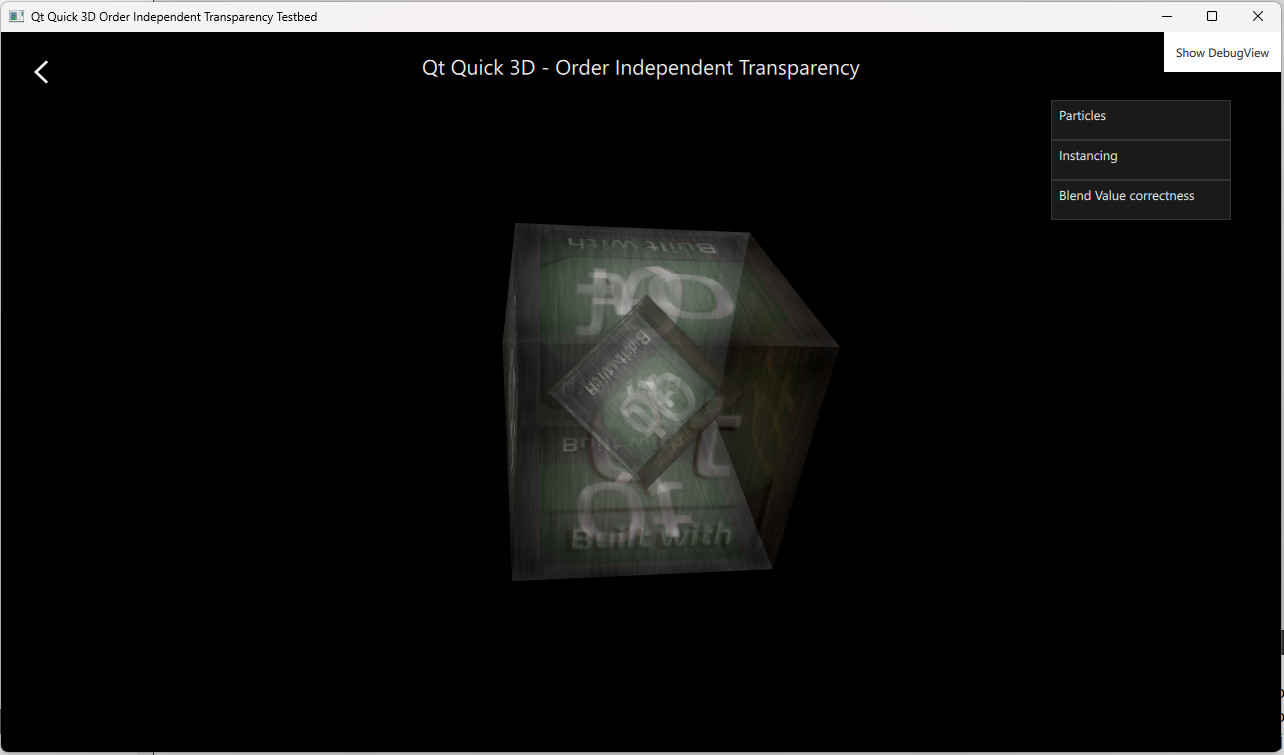
该OIT示例演示了如何在Qt Quick 3D 中启用顺序无关透明度。其中包含多个示例,展示了该功能的不同应用方式。
示例
“粒子”示例展示了在透明粒子中应用OIT的情况。“实例化”示例展示了在通过实例化渲染的模型中应用OIT的情况。“混合值正确性”示例演示了透明对象的排序问题,并说明如何通过启用OIT来解决该问题。
控制 OIT
OIT 由“SceneEnvironment ”对象控制。其数值设置基于用户界面中的选择。
oit method 默认设置为OITNone 以禁用该功能,或者可将其设置为OITWeightedBlended 以启用 OIT。
        environment: SceneEnvironment {
            clearColor: "#000000"
            backgroundMode: SceneEnvironment.Color
            antialiasingMode: AppSettings.antialiasingMode
            antialiasingQuality: AppSettings.antialiasingQuality
            oitMethod: SceneEnvironment.OITWeightedBlended
}© 2026 The Qt Company Ltd. Documentation contributions included herein are the copyrights of their respective owners. The documentation provided herein is licensed under the terms of the GNU Free Documentation License version 1.3 as published by the Free Software Foundation. Qt and respective logos are trademarks of The Qt Company Ltd. in Finland and/or other countries worldwide. All other trademarks are property of their respective owners.
