
Qt WebChannel ChatServer 示例
一个使用QWebChannel C++ API 实现的简单聊天服务器。
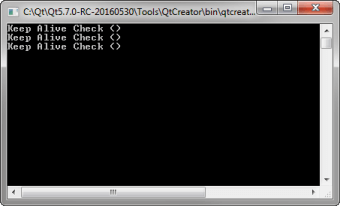
ChatServer提供了一项聊天服务,Qt WebChannel 的 ChatClient QML 应用程序和Qt WebChannel 的 ChatClient HTML 示例均可连接至该服务。
运行示例
您可以通过以下方式运行该示例:
- Qt Creator
打开Welcome 模式,并从Examples 中选择该示例。有关更多信息,请参阅Qt Creator :教程:构建与运行。
- Qt Extension for Visual Studio Code
在Command Palette 中运行Qt: Open Qt examples 命令,并从列表中选择该示例。有关详细信息,请参阅Qt Extension for Visual Studio Code :教程:构建和运行。
实现聊天服务器
该 C++ 应用程序实现了一个 `QObject ` 对象,该对象提供了聊天服务所需的所有机制。该对象通过一个QWebChannel 进行发布,该服务使用WebSocket作为传输协议。
服务器提供了一个基本的login 方法(仅需用户名,无需密码),客户端必须成功调用该方法后才能进行聊天。登录后,客户端可以调用sendMessage 方法,并接收newMessage 信号以发送和接收消息。此外,还有userList 属性,该属性提供所有其他已连接客户端的名称。 此外,服务器会定期向所有客户端发送keepAlive 信号。客户端必须对此信号作出响应,否则将被移除出userList 属性。
该示例展示了如何将QObject 的基本元素与QWebChannel 结合使用,即信号(newMessage )、插槽(sendMessage )和属性(userList )。
由于这是一个简单的服务器应用程序,因此需要单独的客户端与之交互。Qt WebChannel 上的ChatClient QML应用程序和Qt WebChannel 上的ChatClient HTML示例都是与该服务器兼容的客户端实现。
© 2026 The Qt Company Ltd. Documentation contributions included herein are the copyrights of their respective owners. The documentation provided herein is licensed under the terms of the GNU Free Documentation License version 1.3 as published by the Free Software Foundation. Qt and respective logos are trademarks of The Qt Company Ltd. in Finland and/or other countries worldwide. All other trademarks are property of their respective owners.
