
画像の
Qt Creator 画像ファイルを画像ビューアで開きます。
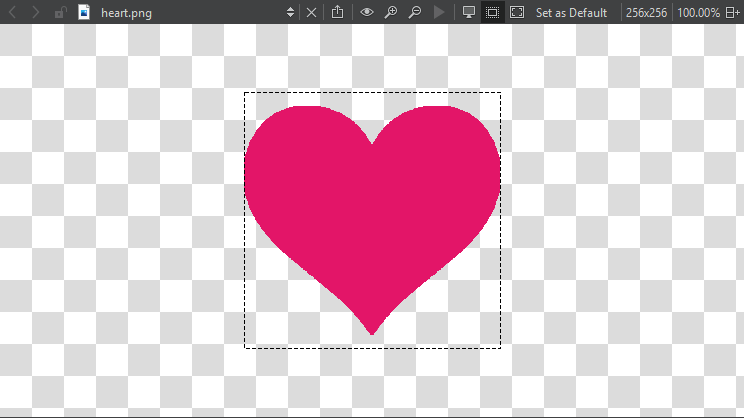
ツールバーのボタンまたはキーボードショートカットを使用して、以下の操作を行います:
 - SVG画像をピクマップとしてエクスポートしたり、画像をデータURLとしてコピーしたりできます。これにより、あたかも外部リソースであるかのようにWebページに画像を組み込むことが可能になります
 (Original Size) - 画像を元のサイズに戻す
 (Zoom In) - 拡大・縮小 (
 (Zoom Out))
 (Play Animation) - アニメーションGIFおよびMNG画像の再生と一時停止
 (Switch Background) - 画像の背景を表示・非表示にする
 (Switch Outline) - 画像の輪郭線の表示・非表示
 (Fit to Screen) - 画像を画面に合わせる
「Set as Default 」を選択すると、背景および輪郭線のモード、および画像の画面へのフィットに関する現在の設定が、画像ビューアのデフォルト値として適用されます。
「UI の設計方法」および「 Qt Quick UI デザイン」も参照してください 。
Copyright © The Qt Company Ltd. and other contributors. Documentation contributions included herein are the copyrights of their respective owners. The documentation provided herein is licensed under the terms of the GNU Free Documentation License version 1.3 as published by the Free Software Foundation. Qt and respective logos are trademarks of The Qt Company Ltd in Finland and/or other countries worldwide. All other trademarks are property of their respective owners.
