
配置 Python 语言服务器
要设置 Python 语言服务器的首选项:
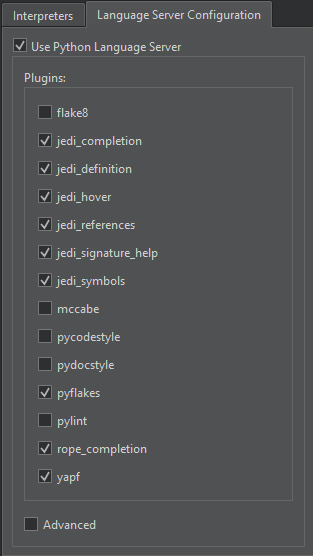
- 转至“Preferences ” > “Python ” > “Language Server Configuration ”,选择要使用的 Python 语言服务器插件。
- 选择“Advanced ”以配置插件。
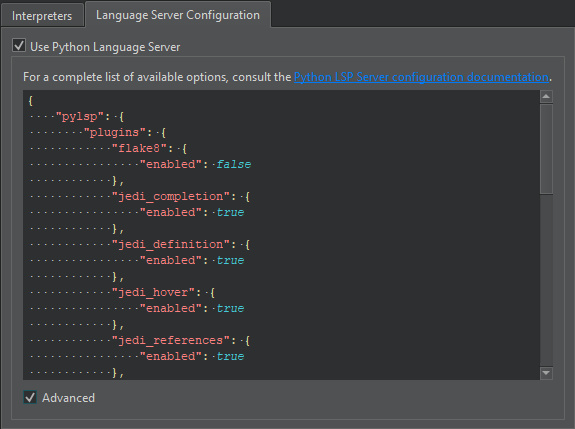
有关配置选项的完整列表,请参阅《Python 语言服务器配置》。
若要禁用 Python 语言服务器,请清除“Use Python Language Server ”选项。
另请参阅 《操作指南:管理语言服务器》、《开发Qt for Python 应用程序》和《管理语言服务器》。
Copyright © The Qt Company Ltd. and other contributors. Documentation contributions included herein are the copyrights of their respective owners. The documentation provided herein is licensed under the terms of the GNU Free Documentation License version 1.3 as published by the Free Software Foundation. Qt and respective logos are trademarks of The Qt Company Ltd in Finland and/or other countries worldwide. All other trademarks are property of their respective owners.
