
设置数据断点
当在指定地址读取或写入数据时,数据断点会暂停应用程序。
要在某个地址设置数据断点:
- 在“Breakpoint Preset ”或“Breakpoints ”视图中,从上下文菜单中选择“Add Breakpoint ”。
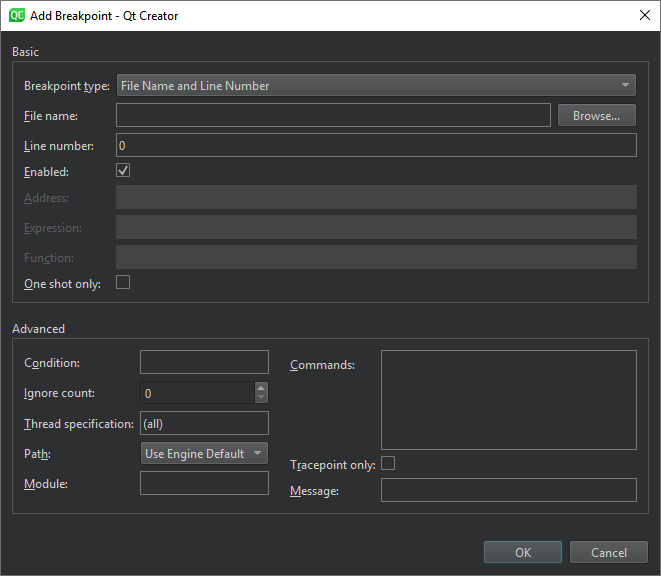
- 在“Breakpoint type ”中,选择“Break on data access at fixed address ”。
- 在“Address ”中,指定内存块的地址。
- 选择“OK ”。
如果该地址显示在“Locals ”或“Expressions ”视图中,您可以在上下文菜单中选择“Add Data Breakpoint at Object's Address ”来设置数据断点。
当被调试的应用程序退出时,数据断点将被禁用,因为这些地址在下次启动应用程序时不太可能保持不变。如果您确实希望某个数据断点再次生效,请手动重新启用它。
Copyright © The Qt Company Ltd. and other contributors. Documentation contributions included herein are the copyrights of their respective owners. The documentation provided herein is licensed under the terms of the GNU Free Documentation License version 1.3 as published by the Free Software Foundation. Qt and respective logos are trademarks of The Qt Company Ltd in Finland and/or other countries worldwide. All other trademarks are property of their respective owners.
