
设计用户界面
要创建直观、外观现代且流畅的用户界面(UI),请使用 Qt Quick 以及集成的Qt Quick Designer。
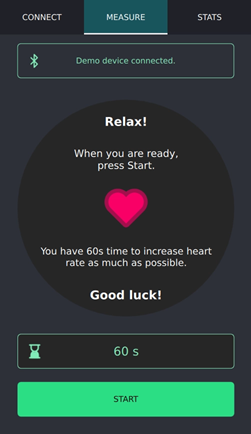
使用 QML Live 预览功能,可在桌面端以及 Android 和嵌入式 Linux 设备上预览 QML 文件或整个Qt Quick 应用程序。您对用户界面所做的更改会立即在预览中显示。
如果您需要结构清晰且遵循平台外观与风格的传统用户界面,请使用 Qt Widgets 以及集成的Qt Widgets Designer。
另请参阅 《操作指南:设计用户界面》。
Copyright © The Qt Company Ltd. and other contributors. Documentation contributions included herein are the copyrights of their respective owners. The documentation provided herein is licensed under the terms of the GNU Free Documentation License version 1.3 as published by the Free Software Foundation. Qt and respective logos are trademarks of The Qt Company Ltd in Finland and/or other countries worldwide. All other trademarks are property of their respective owners.
