
5.1.4.2. Keeping track of your Projects
After logging in you will be taken to the Projects Overview Page by default where there is a table that shows summaries of the visible projects at a glance and can be used to compare or dive into projects.
The table supports the two view modes: Tree groups projects based on their names (see Section Project Hierarchies) and List just displays one project per row. In either mode you can filter and sort the projects and resize the columns as fit.
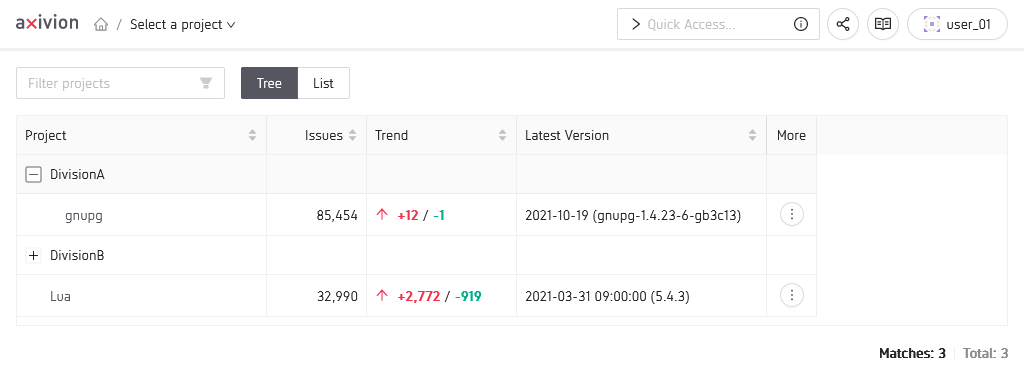
Overview of all your projects
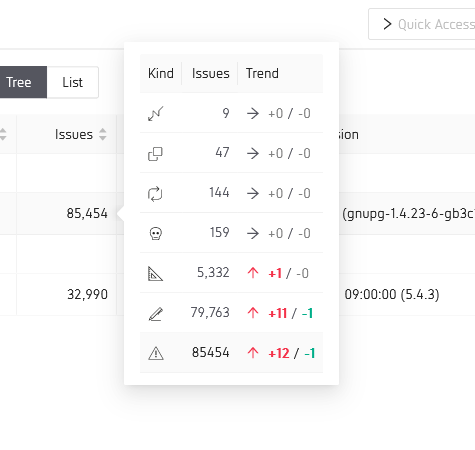
Getting more details on one of the projects
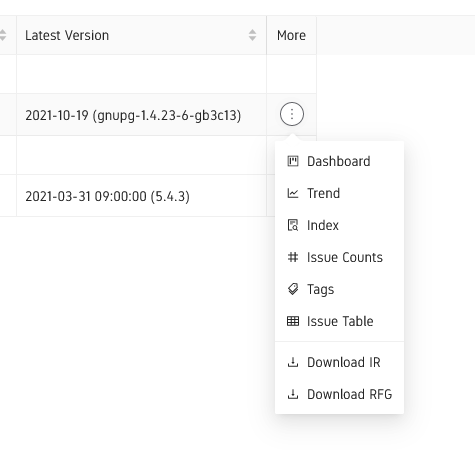
More options for project details