
Qt Quick 3D - 動的モデル作成の例
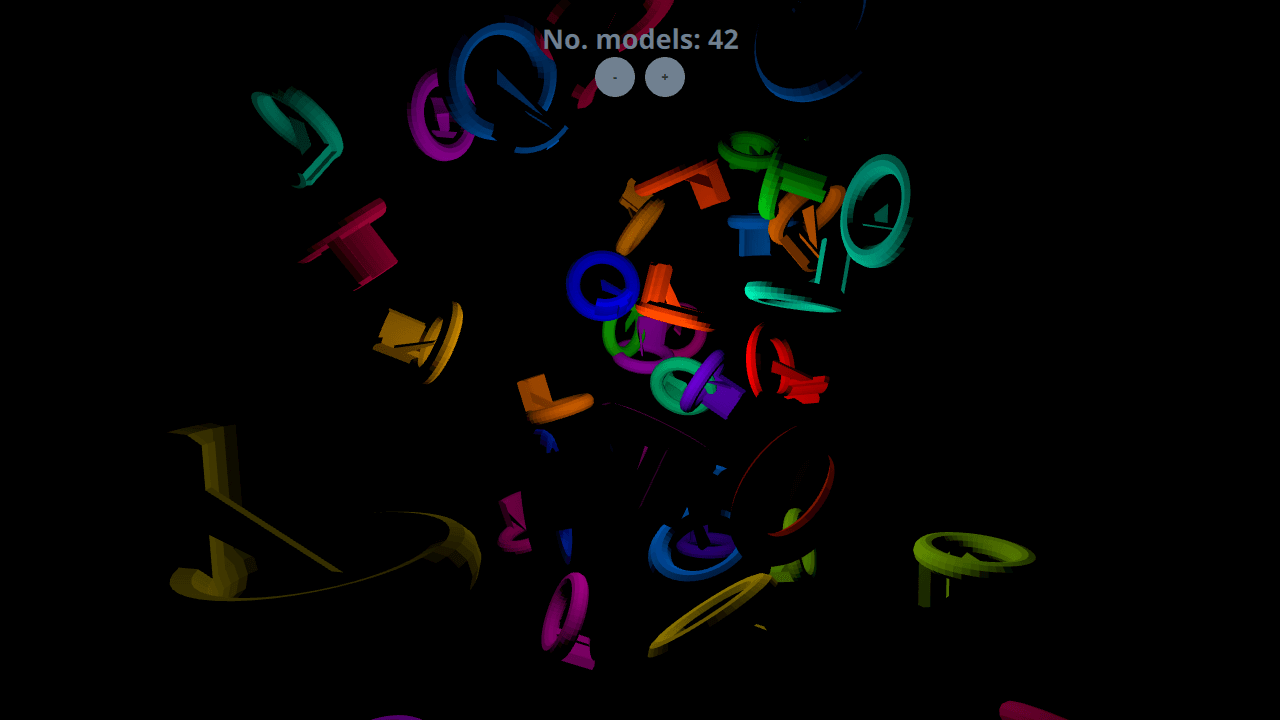
動的なモデル作成のデモです。
この例では、アプリケーション内でモデルを動的に作成する方法を示しています。アプリケーションの起動時に10個のモデルが動的に作成され、+および-ボタンを使用してモデルの追加や削除を行うことができます。
設定
Spawner ノード
動的に作成されたモデルを格納するために、Node が必要になります。
起動
Component.onCompleted で10個のモデルを作成することで、起動時に何かが表示されるようにしています。
Component.onCompleted: {
    for (var i = 0; i < 10; ++i)
        shapeSpawner.addShape()
}
動的モデル
モデルの追加
シーンに新しいアイテムを追加するには、まず `Qt.createComponent ` 関数を使用して、モデル用の `Component ` を作成します。次に、コンポーネントの `createObject ` 関数を使用して、位置とスケールをパラメータとして渡し、アイテムをインスタンス化します。
function addShape()
{
    var xPos = (2 * Math.random() * range) - range;
    var yPos = (2 * Math.random() * range) - range;
    var zPos = (2 * Math.random() * range) - range;
    var shapeComponent = Qt.createComponent("WeirdShape.qml");
    let instance = shapeComponent.createObject(shapeSpawner,
        { "x": xPos, "y": yPos, "z": zPos, "scale": Qt.vector3d(0.25, 0.25, 0.25)});
    instances.push(instance);
    count = instances.length
}
モデルの削除
動的に作成されたモデルは、インスタンススタックからポップして破棄するだけで削除できます。
function removeShape()
{
    if (instances.length > 0) {
        let instance = instances.pop();
        instance.destroy();
        count = instances.length
    }
}© 2026 The Qt Company Ltd. Documentation contributions included herein are the copyrights of their respective owners. The documentation provided herein is licensed under the terms of the GNU Free Documentation License version 1.3 as published by the Free Software Foundation. Qt and respective logos are trademarks of The Qt Company Ltd. in Finland and/or other countries worldwide. All other trademarks are property of their respective owners.
