
导航控件
Qt Quick Controls 提供多种导航模式。
可通过滑动手势展开和收起侧边面板 | |
提供基于堆栈的导航模式 | |
允许用户通过横向滑动来浏览页面 | |
允许用户在不同的视图或子任务之间切换 | |
外观与 TabBar 风格相匹配的按钮 |
以下各节提供了根据具体使用场景选择合适导航模型类型的指南。
StackView 控件
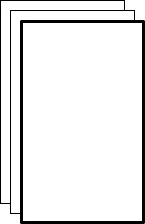
StackView 提供基于堆栈的导航模型,可用于一组相互关联的页面。StackView 遵循“后进先出”原则:堆栈中最后压入的页面即为当前可见页面。弹出页面会移除最后一个页面,并显示前一个页面。
SwipeView 控件
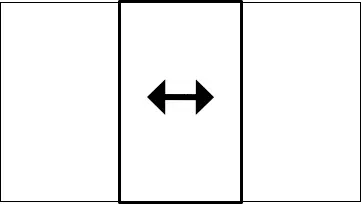
SwipeView 提供了一种简化水平分页滚动的导航模型。底部的页面指示器显示当前处于活动状态的页面。
TabBar 控件
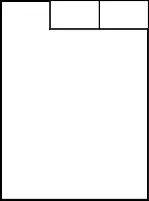
TabBar 是一条带有图标或文本的栏,允许用户在不同的子任务、视图或模式之间进行切换。
TabButton 控件

© 2026 The Qt Company Ltd. Documentation contributions included herein are the copyrights of their respective owners. The documentation provided herein is licensed under the terms of the GNU Free Documentation License version 1.3 as published by the Free Software Foundation. Qt and respective logos are trademarks of The Qt Company Ltd. in Finland and/or other countries worldwide. All other trademarks are property of their respective owners.
