
이미지 보기
Qt Creator 이미지 뷰어에서 이미지 파일을 엽니다.
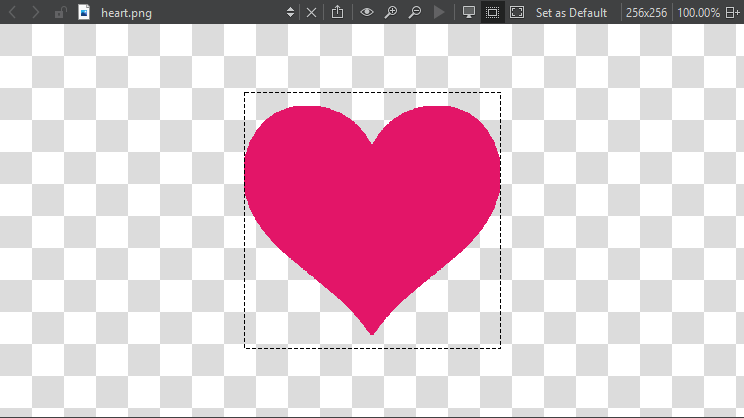
도구 모음 버튼이나 키보드 단축키를 사용하여 다음 작업을 수행할 수 있습니다:
 - SVG 이미지를 픽스맵으로 내보내거나 이미지를 데이터 URL로 복사하여, 마치 외부 리소스인 것처럼 웹 페이지에 삽입할 수 있습니다
 (Original Size) - 이미지를 원래 크기로 복원
 (Zoom In) - 확대 및 축소 (
 (Zoom Out))
 (Play Animation) - 애니메이션 GIF 및 MNG 이미지 재생 및 일시 정지
 (Switch Background) - 이미지 배경 표시 및 숨기기
 (Switch Outline) - 이미지 윤곽선 표시 및 숨기기
 (Fit to Screen) - 이미지를 화면에 맞추기
Set as Default 를 선택하면 배경 및 윤곽선 모드, 화면 크기에 맞게 이미지 조정 등의 현재 설정이 이미지 뷰어의 기본값으로 적용됩니다.
'UI 디자인 방법' 및 'Qt Quick UI 디자인'도 참조하십시오 .
Copyright © The Qt Company Ltd. and other contributors. Documentation contributions included herein are the copyrights of their respective owners. The documentation provided herein is licensed under the terms of the GNU Free Documentation License version 1.3 as published by the Free Software Foundation. Qt and respective logos are trademarks of The Qt Company Ltd in Finland and/or other countries worldwide. All other trademarks are property of their respective owners.
