
创建 Nimble 项目
若要使用向导为通过 Nimble 管理的 Nim 包创建模板文件:
- 选择“File ” > “New Project ” > “Non-Qt Project ” > “Nimble Application ”。
- 指定应用程序的名称和位置。
- 选择“Next ”。
- 指定应用程序包的相关信息。
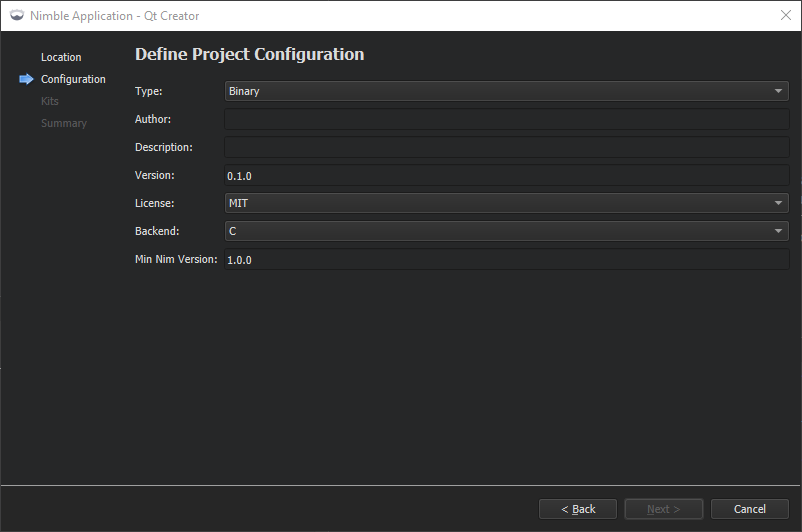
- 选择“Next ”以选择包含 Nim 编译器的工具包。
- 选择“Next ”以创建项目。
另请参阅 “添加 Nim 编译器”、“启用和禁用插件”、“Nim”以及“Nimble”。
Copyright © The Qt Company Ltd. and other contributors. Documentation contributions included herein are the copyrights of their respective owners. The documentation provided herein is licensed under the terms of the GNU Free Documentation License version 1.3 as published by the Free Software Foundation. Qt and respective logos are trademarks of The Qt Company Ltd in Finland and/or other countries worldwide. All other trademarks are property of their respective owners.
