
查看图片
Qt Creator 可在图片查看器中打开图片文件。
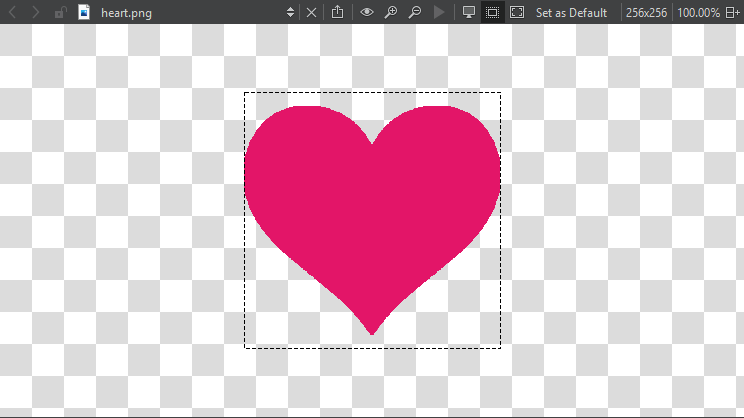
使用工具栏按钮或键盘快捷键来:
 - 将 SVG 图像导出为位图,或将图像复制为数据 URL,这样您就可以将其像外部资源一样嵌入到网页中
 (Original Size) - 将图片恢复为原始尺寸
 (Zoom In) - 放大与缩小 (
 (Zoom Out))
 (Play Animation) - 播放和暂停动画 GIF 及 MNG 图片
 (Switch Background) - 显示和隐藏图像背景
 (Switch Outline) - 显示和隐藏图像轮廓
 (Fit to Screen) - 将图片调整为适合屏幕大小
选择“Set as Default ”,将当前的背景和轮廓模式设置以及图片适配屏幕设置作为图片查看器的默认值。
另请参阅 “操作指南:设计用户界面”和“Qt Quick 用户界面设计”。
Copyright © The Qt Company Ltd. and other contributors. Documentation contributions included herein are the copyrights of their respective owners. The documentation provided herein is licensed under the terms of the GNU Free Documentation License version 1.3 as published by the Free Software Foundation. Qt and respective logos are trademarks of The Qt Company Ltd in Finland and/or other countries worldwide. All other trademarks are property of their respective owners.
