
查看反汇编代码
反汇编器将机器语言转换为汇编语言,以便于人类阅读。
“Disassembler ”视图显示当前函数的反汇编代码。对于检查单条指令的低级命令(例如Step Into 和Step Over ),该视图非常有用。
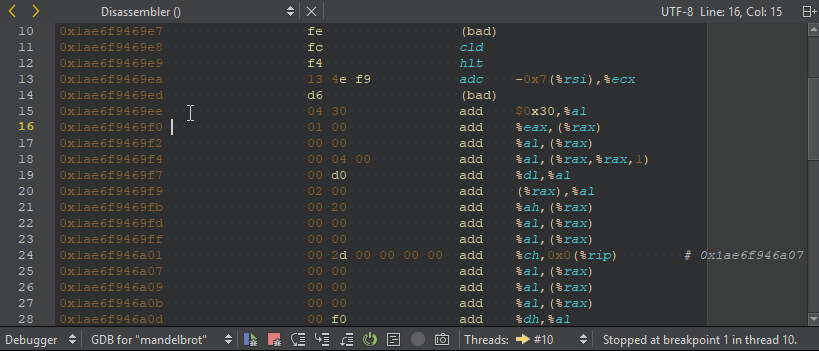
默认情况下,GDB 显示 AT&T 风格的反汇编代码。若要切换为 Intel 风格,请依次选择“Preferences ”>“Debugger ”>“GDB ”>“Use Intel style disassembly ”。
要打开“Disassembler ”视图:
- 在调试器运行时,转到“Debug ” > “Operate by Instruction ”。
- 在调试器工具栏上选择“
 ”(Operate by Instruction )。
 - 在“寄存器”视图中,选中一个值,然后在上下文菜单中选择“Open Disassembler at <value> ”。
启动反汇编器
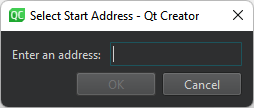
要从“Registers ”视图启动反汇编器,请选择“Open Disassembler ”,并设置反汇编器地址:
Copyright © The Qt Company Ltd. and other contributors. Documentation contributions included herein are the copyrights of their respective owners. The documentation provided herein is licensed under the terms of the GNU Free Documentation License version 1.3 as published by the Free Software Foundation. Qt and respective logos are trademarks of The Qt Company Ltd in Finland and/or other countries worldwide. All other trademarks are property of their respective owners.
