Getting Started
Learn the workspace, create your first project, and look at the example that ships with Clate. Start with the tour.
Three ideas
Clate is built on three ideas: Design as Craft, Embedded First, and AI Native. Read what they mean in the Introduction.
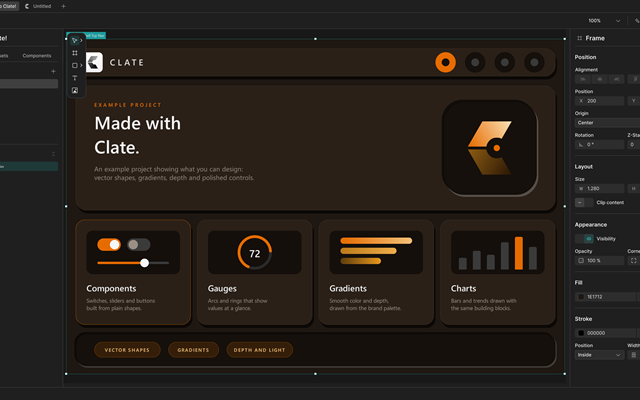
A tour of the workspace
The canvas, the Hierarchy panel, the property editor, and the toolbar, and what each one is for.
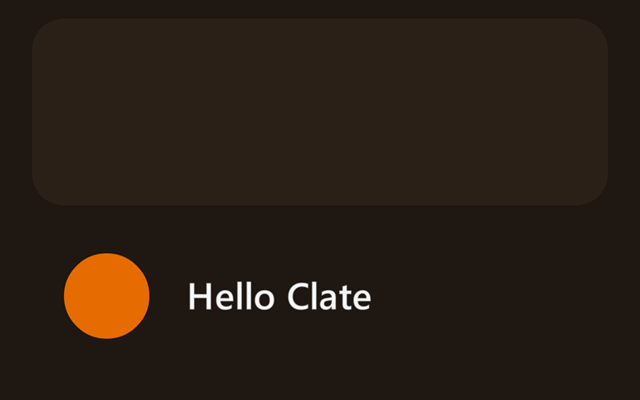
Your first project
Create a project, draw a few shapes, adjust them, and see the result running in about five minutes.
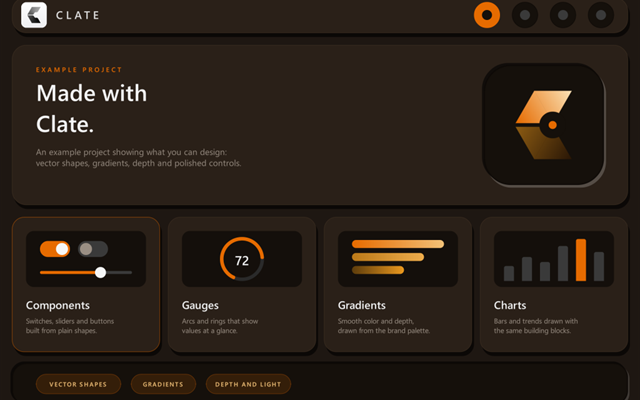
The Welcome to Clate! example
Open the example project and learn the techniques it is built with.
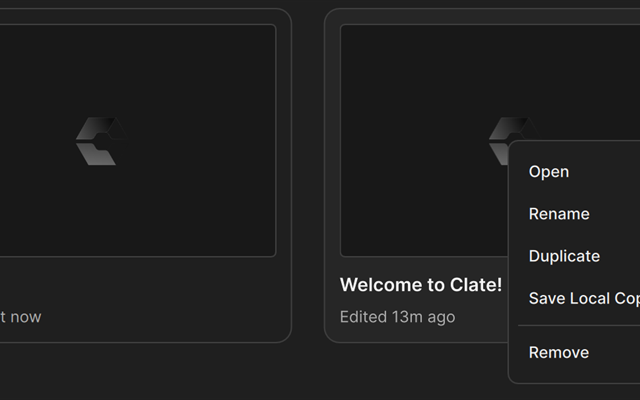
Projects and saving
Clate saves continuously. Manage, copy, and move your projects from the Welcome page.