Working in Clate
Task guides for everything you do in Clate every day: moving around the canvas, drawing, and selecting objects, arranging them, styling them in the property editor, and using images.
Every setting is an exact value, you can place every object with pixel-perfect precision, and depth and finish come from plain shapes. These guides show the tools for that level of care. See Design as Craft.
Canvas and tools
Move around the canvas, add objects with the tool palette, and select what you want to change.
Navigating the canvas
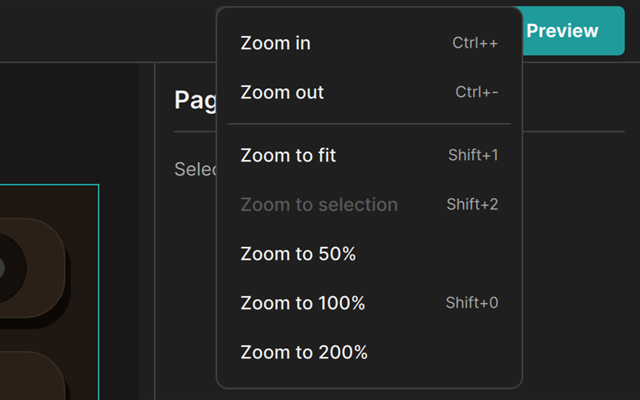
Zoom with the wheel or the zoom menu, and pan with the Space key, the middle mouse button, or the Hand tool.
Drawing tools
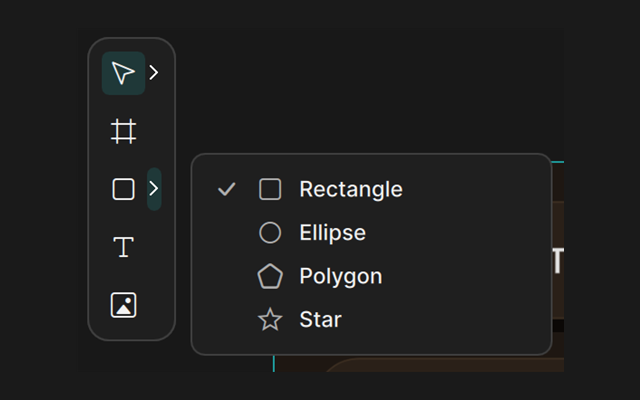
Add frames, shapes, text, and images with the tool palette, by clicking or by dragging.
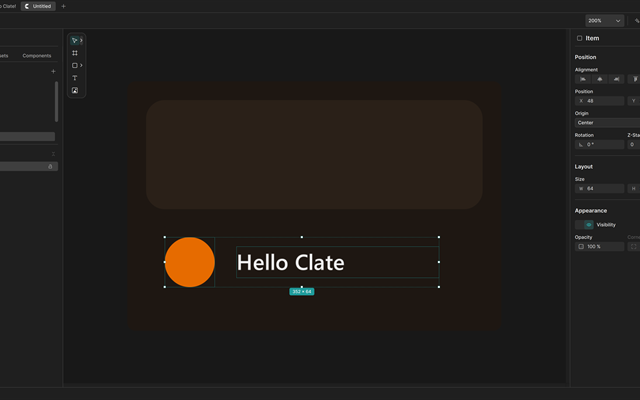
Selecting objects
Click, double-click, Shift, and rubber band: select one object or many.
Arranging objects
Move, line up, and organize objects, pages, and layers.
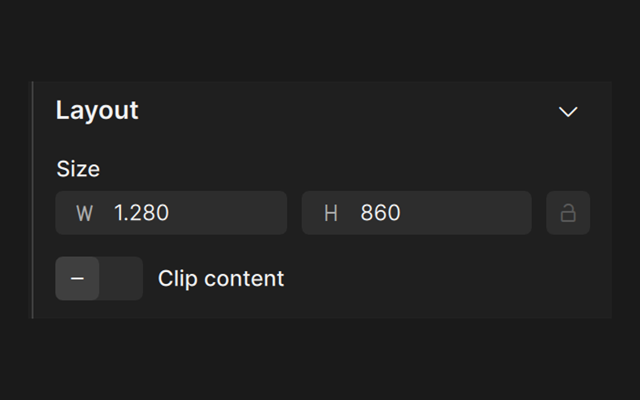
Moving, resizing, and rotating
Drag objects and handles, or use the arrow keys for small steps.
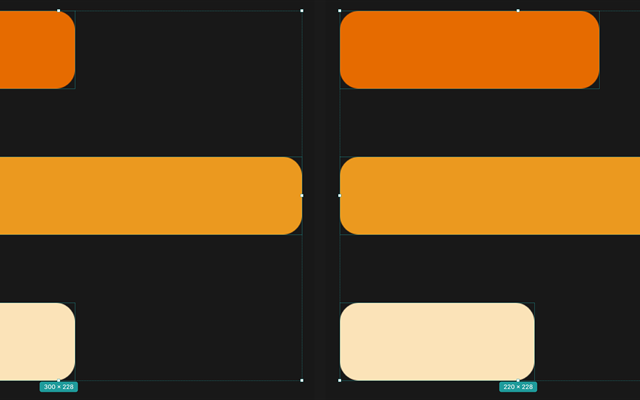
Aligning and distributing
Align objects or space them evenly with the alignment buttons.
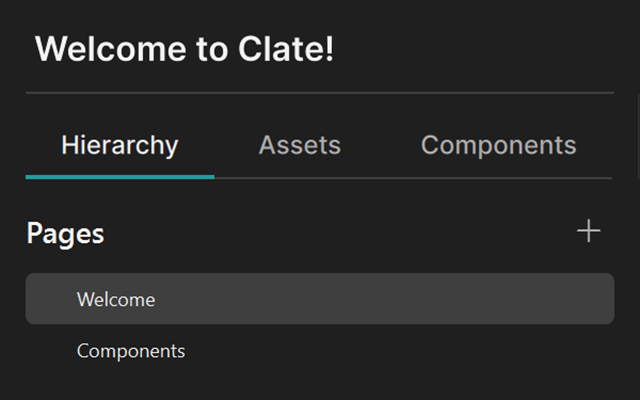
Pages and layers
Switch pages, select and rename objects, group pages, and change the stacking order.
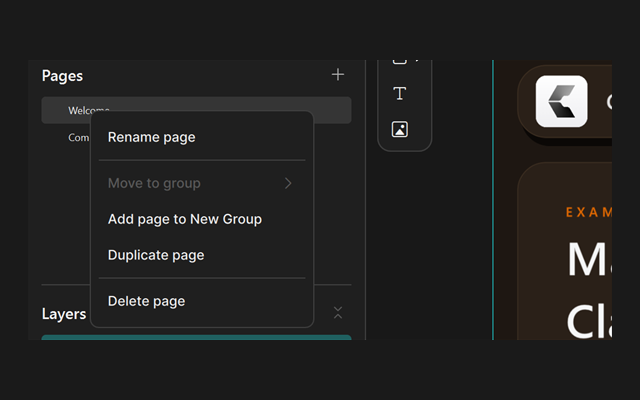
Copy, paste, and duplicate
Copy objects into a page or a frame, and duplicate a whole page.
Style and properties
Change how an object looks in the property editor.
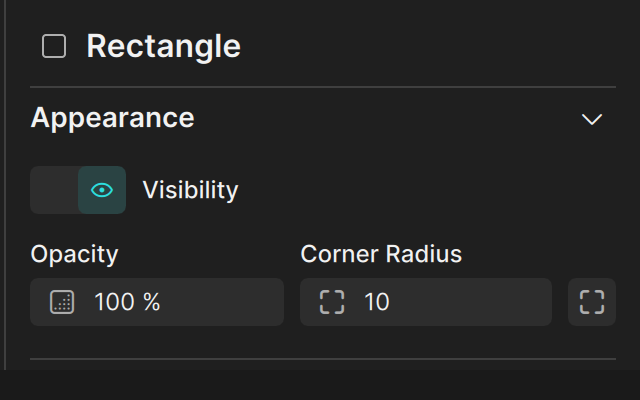
The property editor
The settings of whatever you selected, always matching the type of the object.
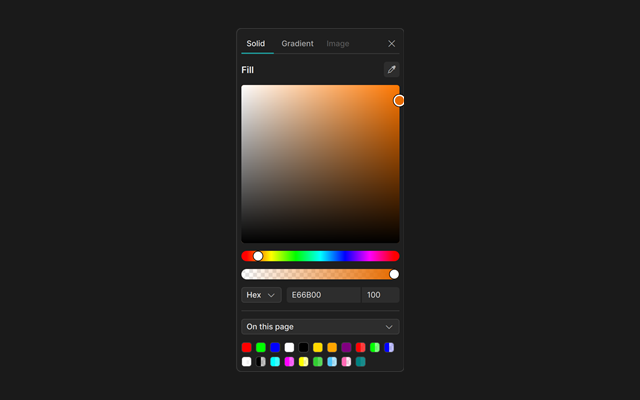
Fill and stroke
Color the inside and the outline of a shape, with plain colors or gradients.
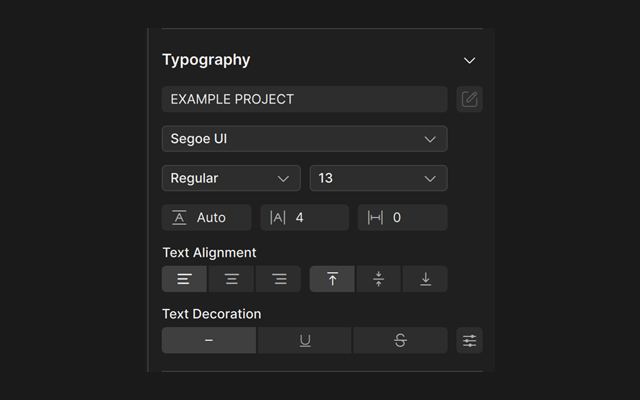
Text and typography
Set the content, font, spacing, and alignment of text.
Assets
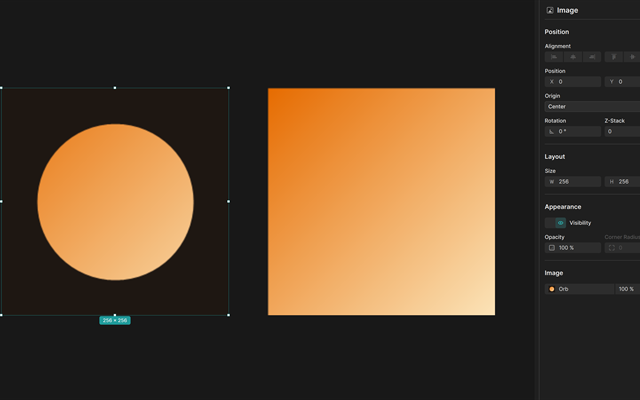
Use your own images in a design.