
预览图像
当您将鼠标光标悬停在 C++ 或 QML 代码中的图像引用上时,Qt Creator 会在工具提示中显示该图像的缩略图预览。这有助于您在不离开编辑器的情况下验证所使用的图像是否正确。
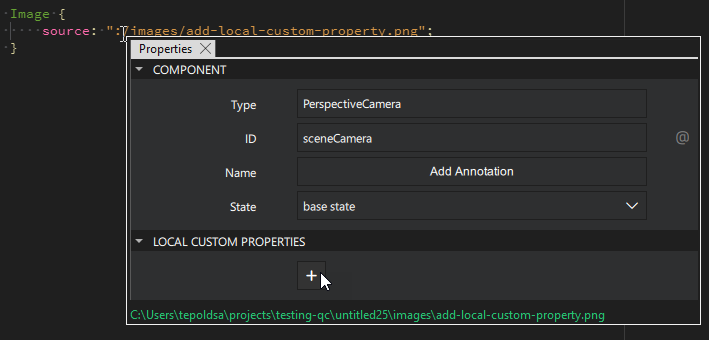
若要在外部图像查看器中打开该图像,请在工具提示中选择文件路径。
Qt Creator 当通过资源文件(.qrc )或直接通过其绝对文件路径引用图像时,会显示图像预览。
另请参阅 “创建资源文件”、“操作指南:编辑代码”、“编辑代码”、“操作指南:调整 UI”以及“调整 UI”。
Copyright © The Qt Company Ltd. and other contributors. Documentation contributions included herein are the copyrights of their respective owners. The documentation provided herein is licensed under the terms of the GNU Free Documentation License version 1.3 as published by the Free Software Foundation. Qt and respective logos are trademarks of The Qt Company Ltd in Finland and/or other countries worldwide. All other trademarks are property of their respective owners.
