
はじめに
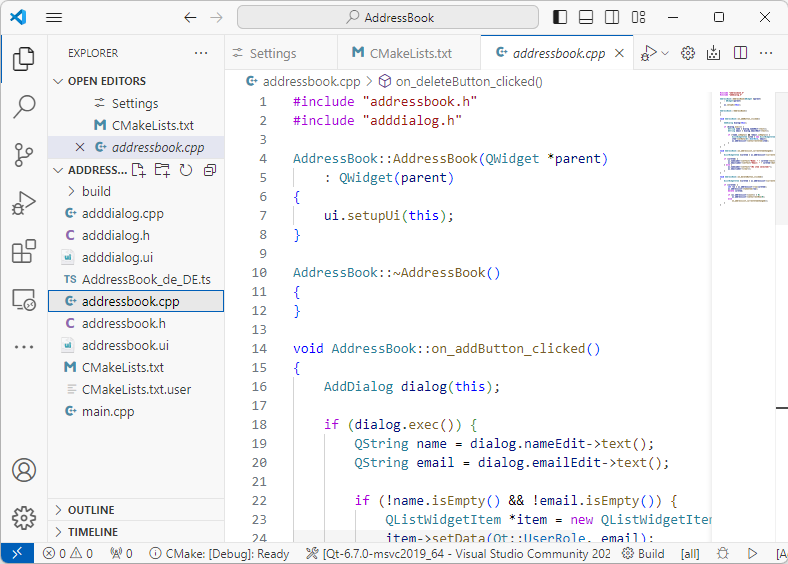
VS Code 用 Qt 拡張機能が、お使いの Qt インストール先および CMake キットを正しく検出できるか確認するには、ビルドおよび実行用の Qt サンプルを開いてください。
VS Code での Qt サンプルプロジェクトのビルドと実行。
VS Code で Qt のサンプルプロジェクトを開いて実行するには:
- VS Code用Qt拡張機能をインストールします。
- Welcome に移動します。
- 「Examples 」を選択して、Qt XMLのサンプルプロジェクトを開きます。
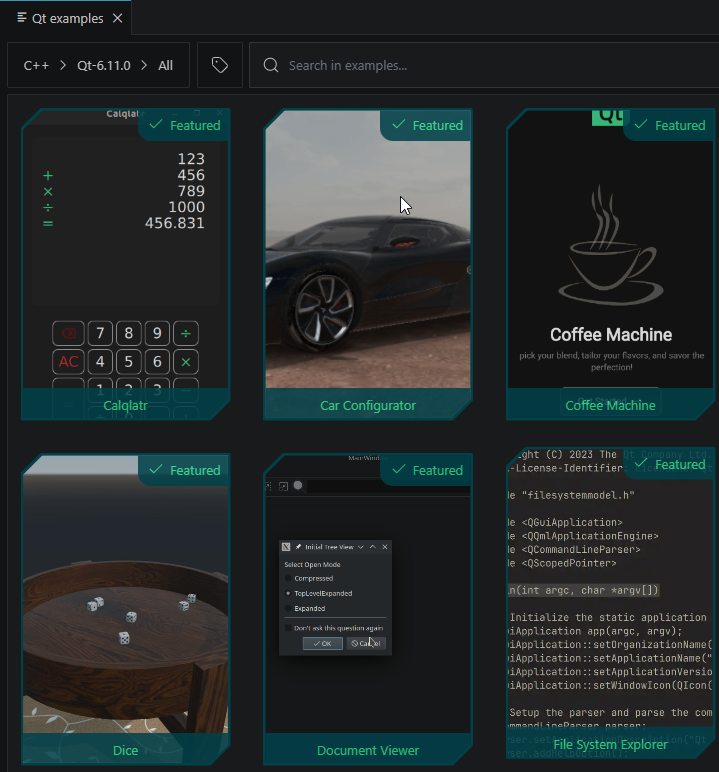
詳細については、「チュートリアル: Qt サンプルプロジェクトのビルドと実行」を参照してください。
- 「Command Palette 」に移動し、「Qt: Register Qt installation 」を選択して、Qt バージョンを登録します。
- Command Palette にアクセスし、「Qt: Set the recommended Qt Extension settings 」を選択して、ステータスバーに登録済みの Qt CMake キットを表示します。
- Command Palette にアクセスし、「Qt: Scan for kits 」を選択します。次に、お使いの Qt バージョンおよびツールチェーンに一致するキットを選択します。
- ステータスバーで「
 」を選択します。
 - 実行可能ファイルを起動ターゲットとして選択し、プロジェクトをビルドして実行します。
これで、チュートリアルを選択して、Qt アプリケーションの開発について学ぶことができます。プロジェクトウィザードのテンプレートを使用して、独自のアプリケーションプロジェクトを作成してください。
Qt Academyのコースに登録する
Welcome にアクセスし、「Qt academy 」を選択してコースを閲覧してください。
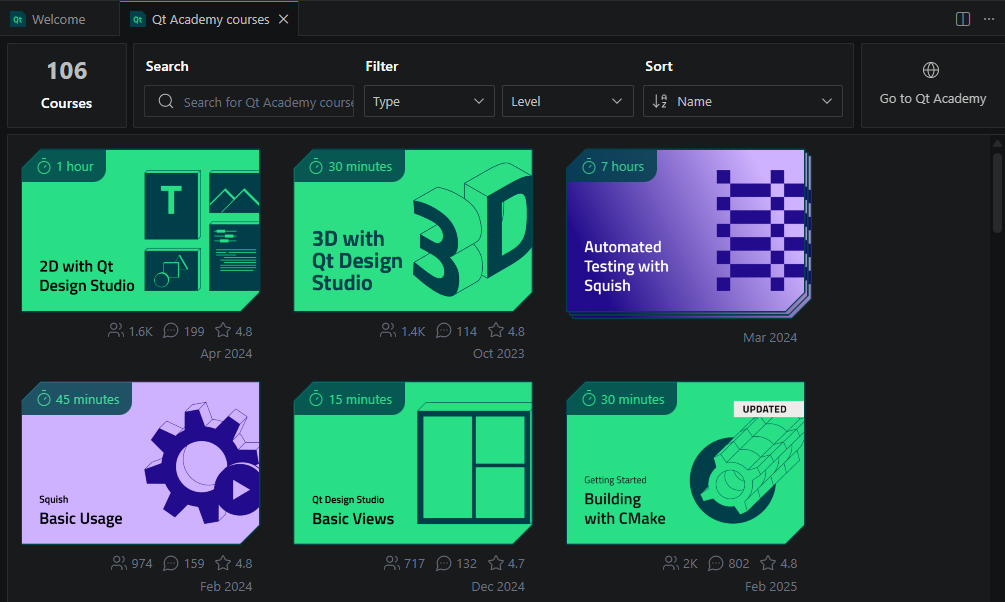
以下の操作が可能です:
- コースを検索できます。
- コースを種類やレベルで絞り込む。
- コース名を基準に、またはその他の条件で並べ替えることができます。
- Qt Academy にアクセスして、コースカタログ全体を閲覧してください。
「インストール」、「Qtのインストール登録」、「チュートリアル」、「Qtプロジェクトの作成」も参照してください 。
© 2026 The Qt Company Ltd. Documentation contributions included herein are the copyrights of their respective owners. The documentation provided herein is licensed under the terms of the GNU Free Documentation License version 1.3 as published by the Free Software Foundation. Qt and respective logos are trademarks of The Qt Company Ltd in Finland and/or other countries worldwide. All other trademarks are property of their respective owners.
